
About
Build beautiful PowerShell wizards, dashboards, workflows, and free-form apps—the PowerShell way.

The v1.4.1 release showcase — one PowerShell script, included in the release package as Examples\Showcase-Release.ps1.
PoshUI enables IT professionals to create professional Windows 11-style interfaces using familiar PowerShell cmdlets—no WPF, XAML, or C# knowledge required.
Four Independent Modules
PoshUI consists of four independent modules that can be used separately:
PoshUI.Canvas (new in v1.4.0)
Free-form apps — lay out anything, anywhere, with no fixed shell. Where the other three modules give you an opinionated frame, Canvas gives you a blank page and ~85 cmdlets. A single .ps1 is the application: no XAML, no MVVM, no project scaffolding, no build step.
Import-Module PoshUI.Canvas
New-PoshUICanvas -Title 'Hello' -Theme Dark
Add-UICanvasPage -Title 'Home' -Layout VStack
Add-UICanvasTextBox -Name who -Value 'World'
Add-UICanvasButton 'Greet' -Style Accent -Action {
    Show-UICanvasToast -Message ("Hello, " + (Get-UICanvasValue -Name who))
}
Show-PoshUICanvas- About Canvas - what it is, how it works, and how to use it
- Capability Reference - every control and runtime cmdlet
- Agent Authoring Guide - context pack for building Canvas apps with an AI assistant
- Animation & Motion - engine motion, XAML-island Storyboards, and how to verify them (v1.4.1)
- Engine-native workflow runner with retry, timeouts, skip conditions and reboot-resume
- Tabs, menus, splitters, cascading fields, master/detail grids, charts and reactive state
- A single
.ps1is the whole app - no XAML, no MVVM, no build step
PoshUI.Wizard
Create step-by-step guided interfaces for configuration, deployment, and setup workflows. Perfect for server provisioning, VM creation, and application deployment.
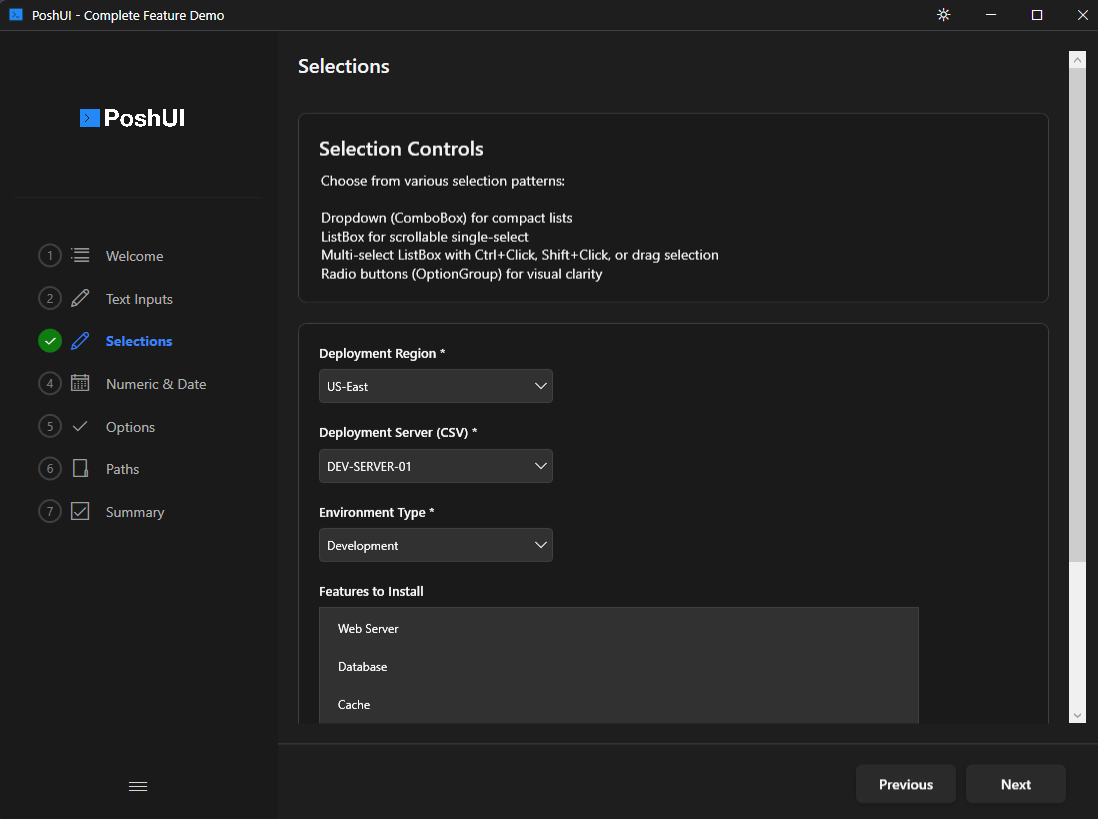
Full-color PNG emoji icons on every UI element (v1.3.0):
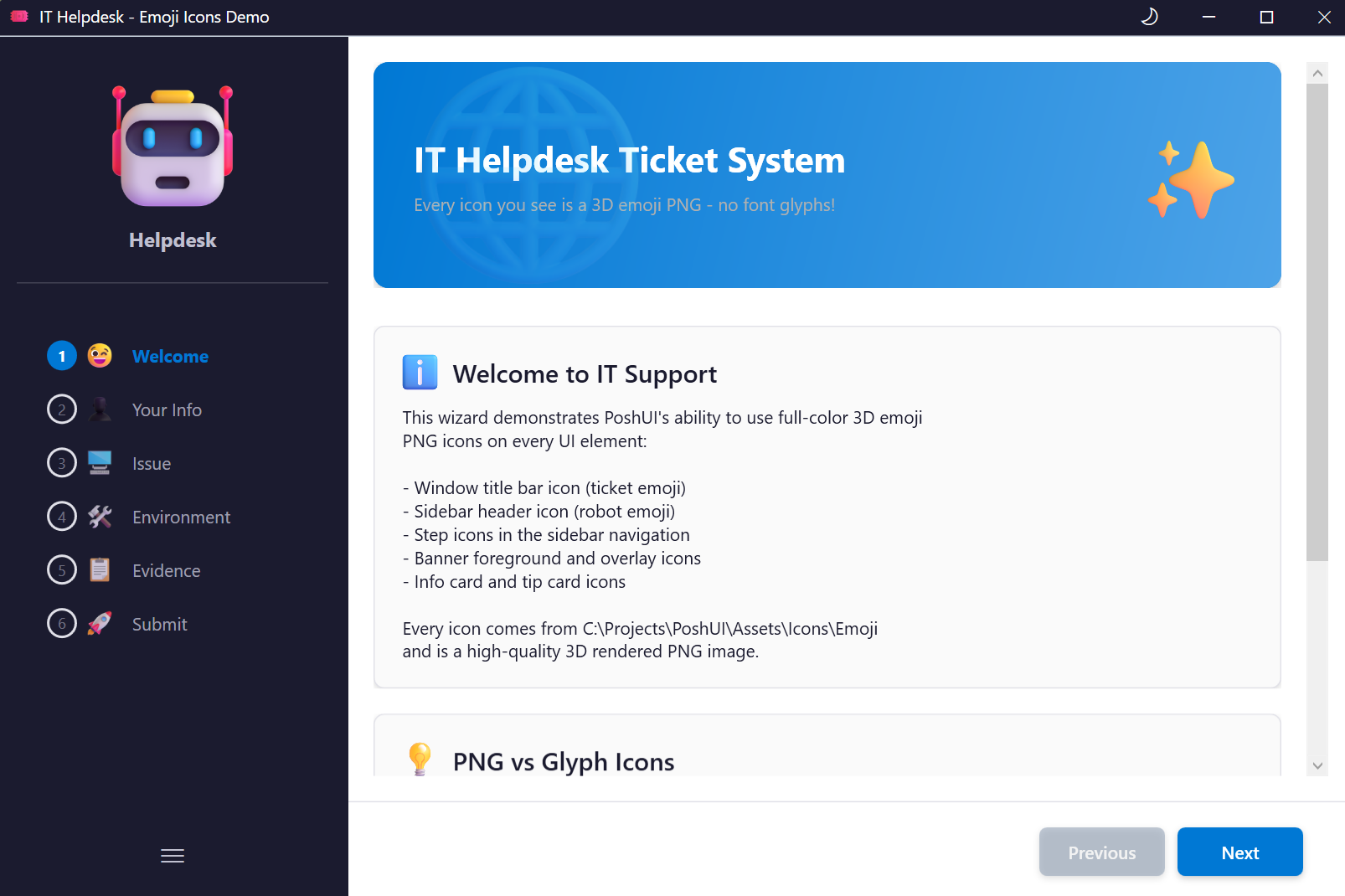
- Step-by-Step Navigation
- 12+ Built-in Controls
- Live Execution Console
- Branding & Customization
- Dynamic Data Sources
- Input Validation & Error Handling
- PNG Icon Support (v1.3.0)
- Dual-Mode Custom Themes (v1.3.0)
PoshUI.Dashboard
Build card-based monitoring interfaces with metrics, charts, and interactive tools. Perfect for system monitoring, KPI displays, IT operations centers, and sharing tools with your team.
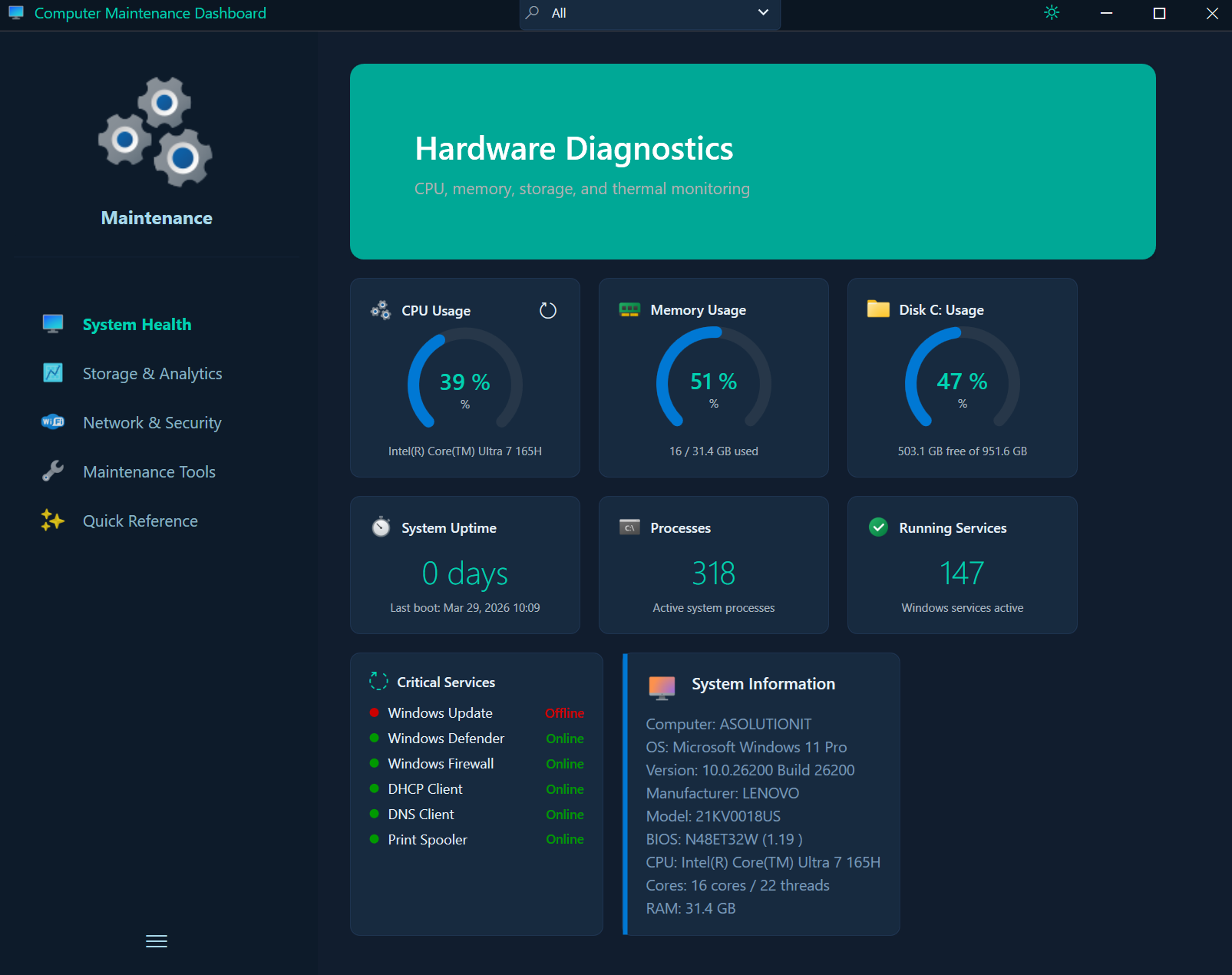
- MetricCards - Display KPIs and system metrics
- GraphCards (Bar, Line, Area, Pie) - Visualize trends and data
- DataGridCards - Show tabular data
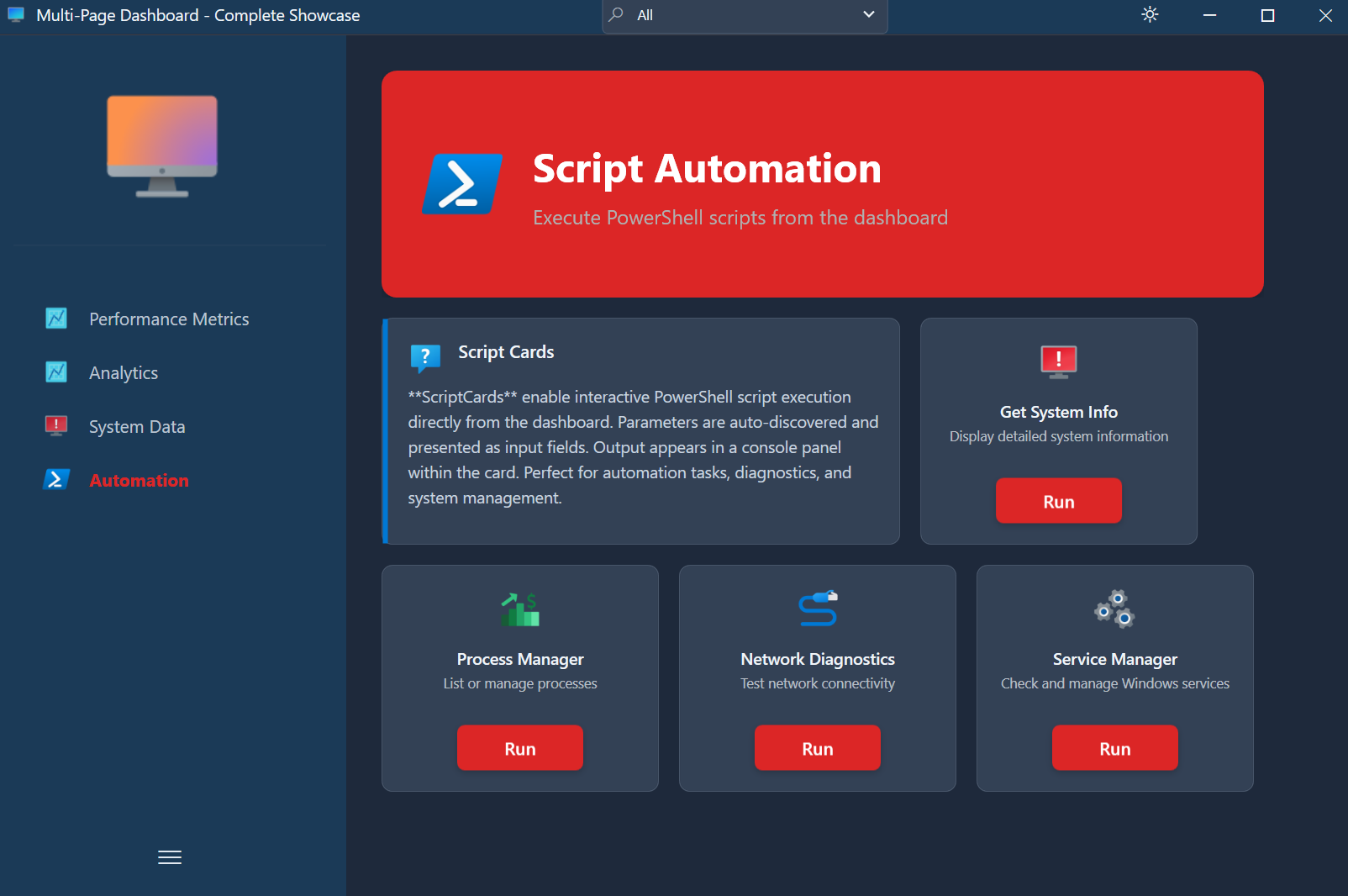
- ScriptCards - Turn scripts into clickable tools for end users
- Carousel Banners with PNG Icons - Clickable carousel slides with per-slide PNG icons (v1.3.0)
- Category Filtering - Organize cards into filterable groups
- Real-time Data Updates - Auto-refresh cards with live PowerShell execution
- PNG Icon Support - Full-color icons on steps, cards, and banners (v1.3.0)
- Dual-Mode Custom Themes (v1.3.0)
ScriptCards with PNG icons empower end users to run PowerShell scripts with a single click:
PoshUI.Workflow
Orchestrate multi-step automated processes with progress tracking, approval gates, and reboot/resume capabilities. Perfect for server deployments, software installations, and maintenance tasks.
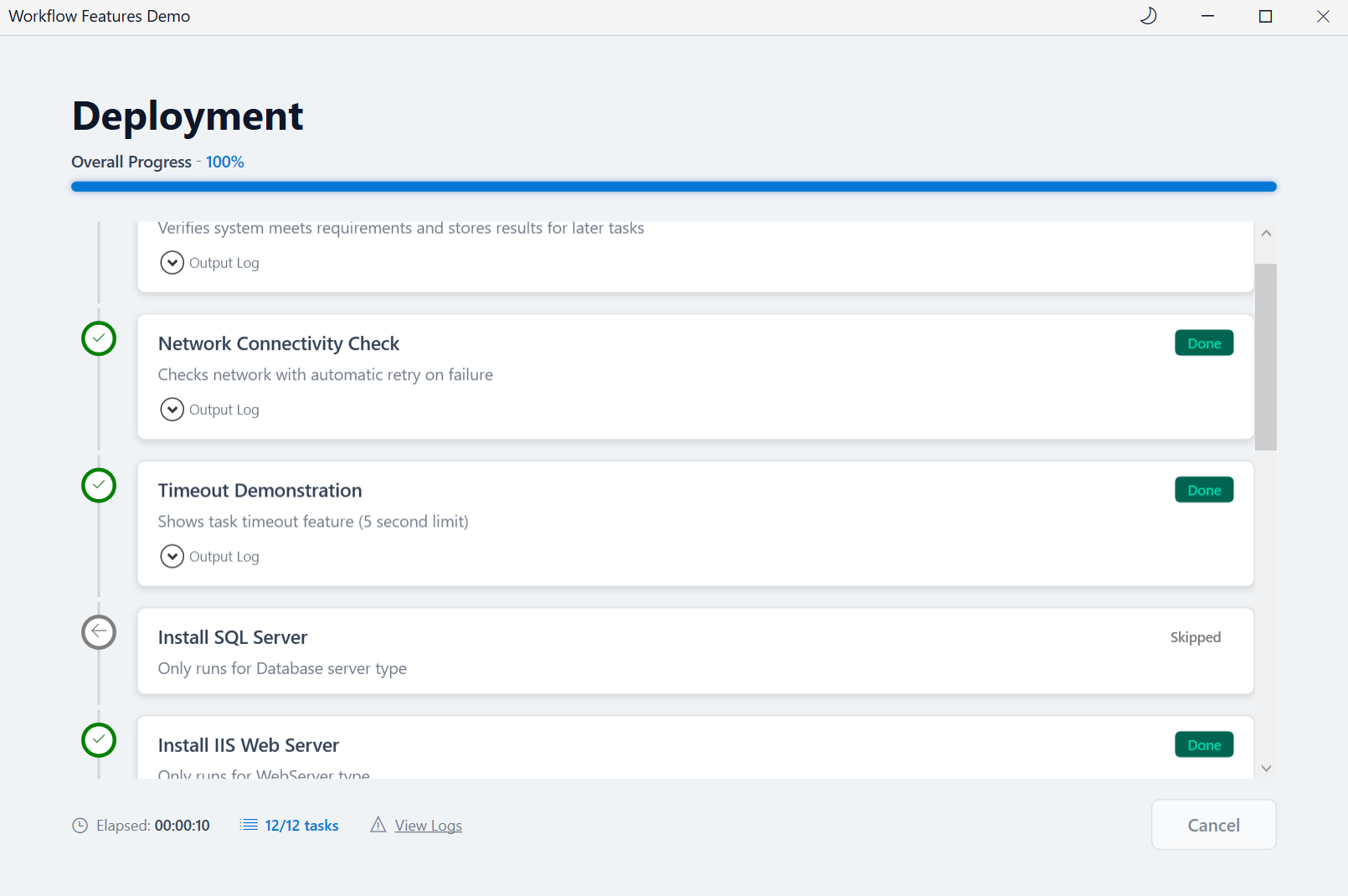
- Task-Based Execution
- Progress Tracking
- Approval Gates
- Reboot & Resume
- Data Passing Between Tasks
- Workflow Logging
Platform
Built on .NET Framework 4.8 with a hybrid architecture combining PowerShell flexibility with WPF rendering power.
- Windows PowerShell 5.1 Support
- Windows 10/11 & Server 2016+
- Light/Dark Theme Support with runtime toggle (v1.3.0)
- Dual-Mode Custom Themes (v1.3.0)
- PNG Icon Support across all modules (v1.3.0)
- CMTrace-Compatible Logging
- No External Dependencies
Community
Join the PoshUI community and contribute to the project.
Licensing
PoshUI is open source under the MIT License.